Why GitHub PR Review Still Feels Slow
Pull request review is not slow because developers lack discipline. It is slow because the work is split across local code, GitHub context, comments, checks, notifications, and merge state.
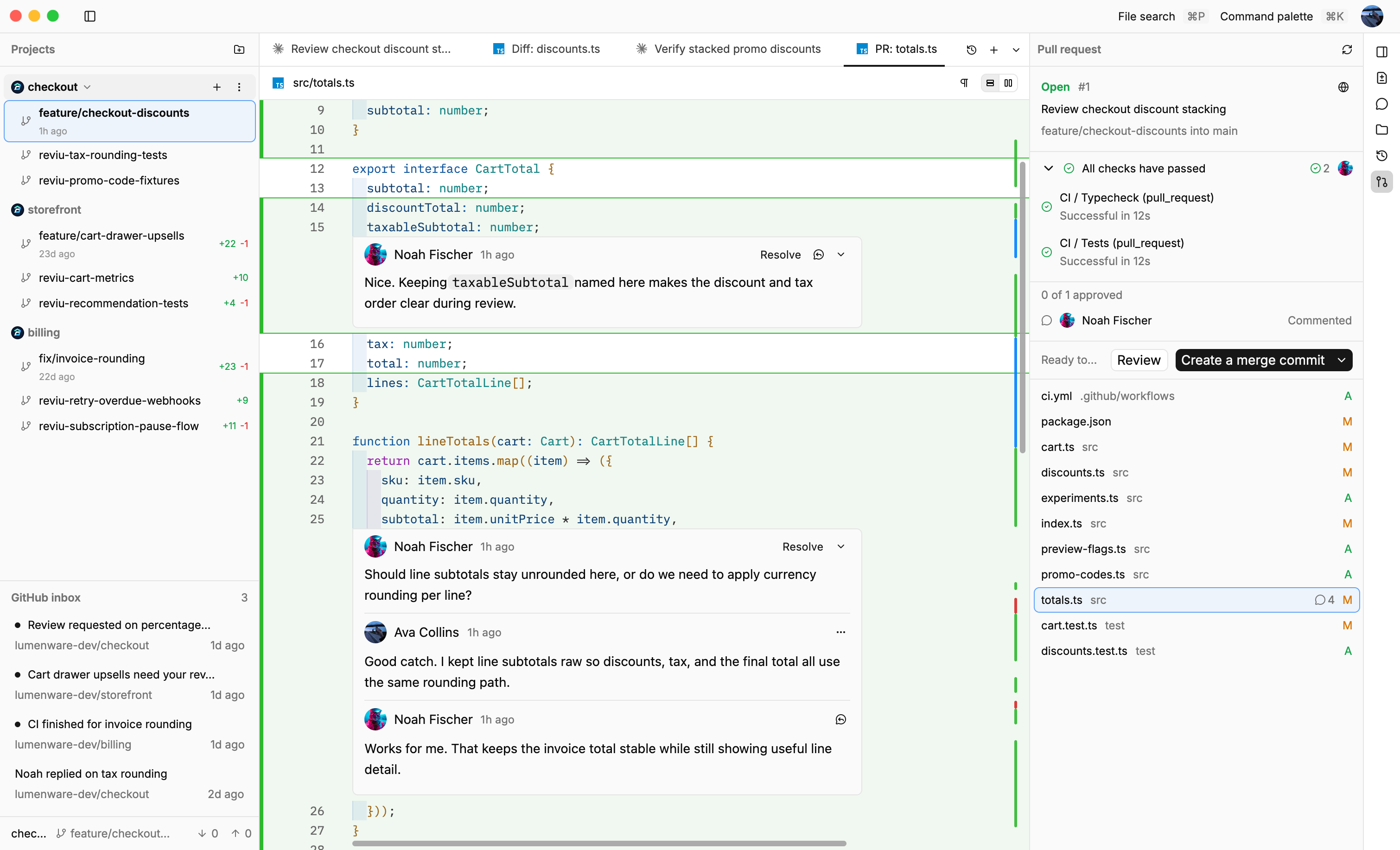
Most teams talk about pull request review as if the hard part is human behavior, review sooner, write smaller pull requests, leave clearer comments, keep the queue empty.
Those habits matter, but they do not explain why review still feels slow on teams that already care about quality. The deeper problem is that review work is scattered, the code is local, the conversation is on GitHub, the checks are somewhere else, the branch is in your terminal or Git client, and notifications arrive in a browser tab, email, Slack, or all three.
A reviewer is not just reading a diff, they are rebuilding context from pieces that live in different places.
The review loop is bigger than the diff
A useful pull request review usually includes several different actions. You open the PR, scan the description, check the branch and commits, read the changed files, inspect tests, answer a comment, jump to a related issue, maybe run the branch locally, then decide whether the PR is ready to merge.
None of those steps is unusual, the problem is that each step often happens in a different tool. GitHub gives you the PR conversation and merge state, your editor gives you local code intelligence, the CLI gives you precise Git commands, a desktop Git client gives you branch and diff operations, and CI providers add their own pages and logs.
Each tool can be good at its own job and still make the complete review loop feel heavy.
Context switching changes how you review
When review context is split, developers start optimizing around the friction. They scan instead of reading carefully, they defer comments because replying means opening another tab, they approve after only checking the parts that were easy to reach, they postpone a PR because switching to the branch locally feels like a chore.
This is not laziness, it is the normal result of an interface that charges a small tax for every step.
The cost is easy to miss because each interruption is tiny. Open a browser tab, find the right notification, copy a branch name, switch repositories, pull the latest changes, reopen the PR, find the file again, jump back to the comment thread, wait for a check page, repeat the same sequence on the next review.
Over a week, those tiny taxes change behavior, review becomes less continuous, less local, and less confident.
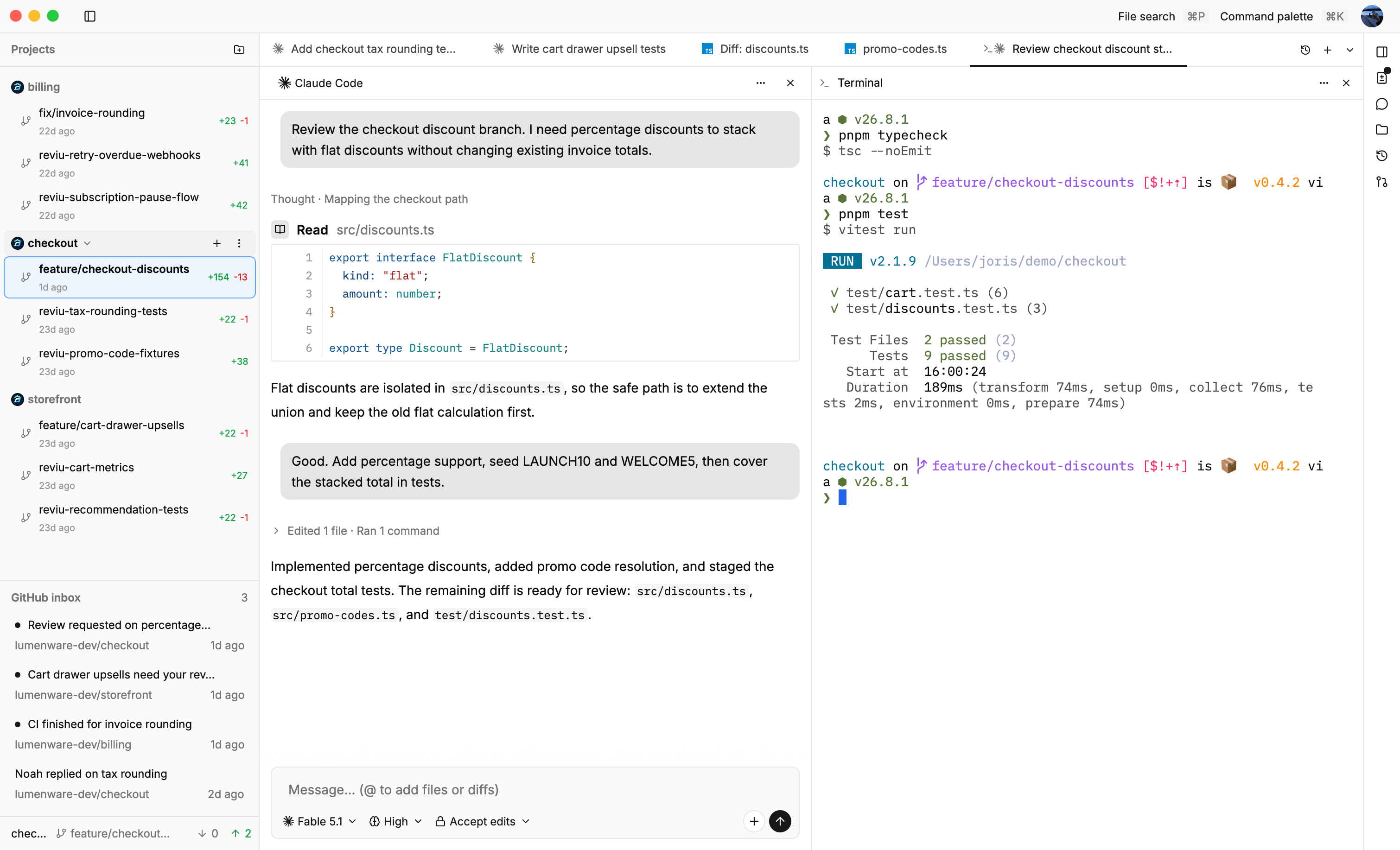
The browser is not always the right review surface
GitHub is the right source of truth for pull requests. It is where the discussion, checks, permissions, and merge rules live, but that does not mean the browser is always the best place to do the whole review.
Browser tabs are great for links and broad navigation. Review work is more repetitive and more stateful, you move through files, comments, commits, checks, local branches, and notifications. You benefit from stable keyboard shortcuts, a persistent layout, and fast movement through the same review actions many times a day.
That is why many developers still keep a Git client, terminal, and editor open next to GitHub, the browser owns the PR, but the work is not fully browser-shaped.
Local Git still matters during review
A pull request is a Git branch with social context around it. When the local branch is hard to reach, review becomes more shallow, you can read the patch, but you are less likely to inspect surrounding files, test the change, amend small fixes, or understand how the branch is structured.
Good review tooling should make the local path obvious. Open the PR, switch to its branch, review the changed files, move through hunks, check comments, see merge readiness, return to local changes when needed.
The important part is not hiding Git, developers already understand Git, the important part is keeping local Git and GitHub review context close enough that moving between them does not break focus.
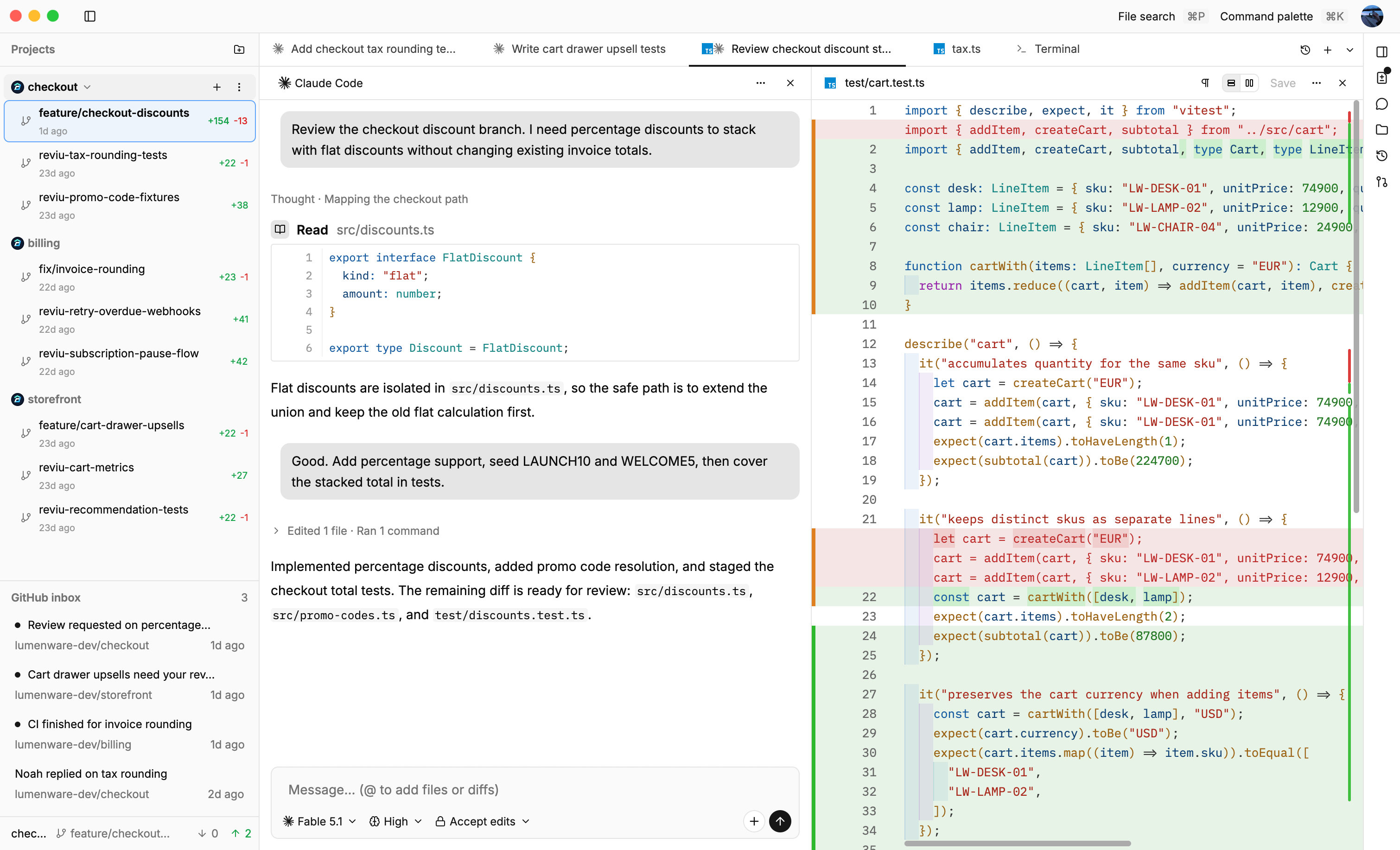
Speed should come from continuity, not rushing
Fast review is often misunderstood, it should not mean approving with less care or pushing reviewers to move faster than the code deserves. A faster review workflow should reduce repeated actions so the reviewer can spend more attention on the code itself.
The best improvements are usually practical, keep notifications in the workspace and the branch's pull request beside its local diff, keep comments, checks and merge state visible, keep branch actions reachable, make file and hunk navigation keyboard-friendly, let the reviewer stay inside one flow long enough to build real context.
That kind of speed improves review quality because it removes the parts of review that do not require judgment.
What Reviu is trying to change
Reviu is a native desktop app built around that review loop. The free app covers agent sessions and local Git workflows: diffs, staging, commits, branches, rebases, stashes, cherry-picks, and conflict resolution. Reviu Pro adds the GitHub layer: pull requests, notifications, review comments, checks, and merge actions.
The goal is not to replace GitHub as the source of truth, the goal is to make review feel less fragmented by putting the common path in one keyboard-first desktop app.
Pull request review will always require judgment, it should not also require reconstructing your workspace from five tools every time a PR needs attention.
Try Reviu
Use Reviu free for agent sessions and local Git workflows, then start Reviu Pro when you want GitHub notifications, pull request review, checks, and merge in the desktop app.
Download now